Page 2 of 16
- Go to https://suttonpoyntz.org.uk/administrator
- Enter the username that you have been given, plus your password. Sometimes you will be told that you have an expired security token and have to enter the details a second time - this is annoying and there does not seem to be a way round it.
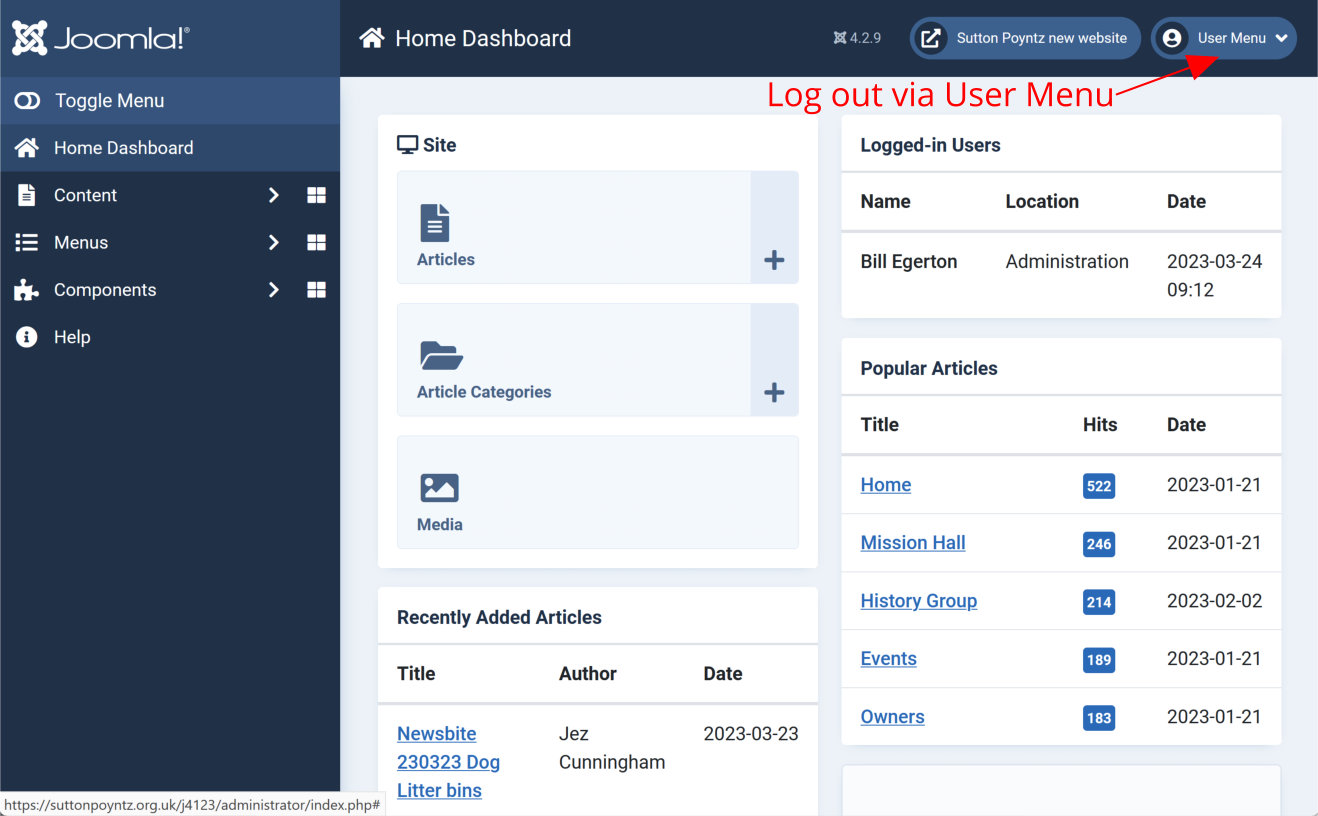
- You will be taken to the site Dashboard, looking something like the image below.
To log out, click User Menu (top right) and select Log Out.